Program Scheduler
Scheduling Made Simple, Seamless
ABOUT SCHEDULER
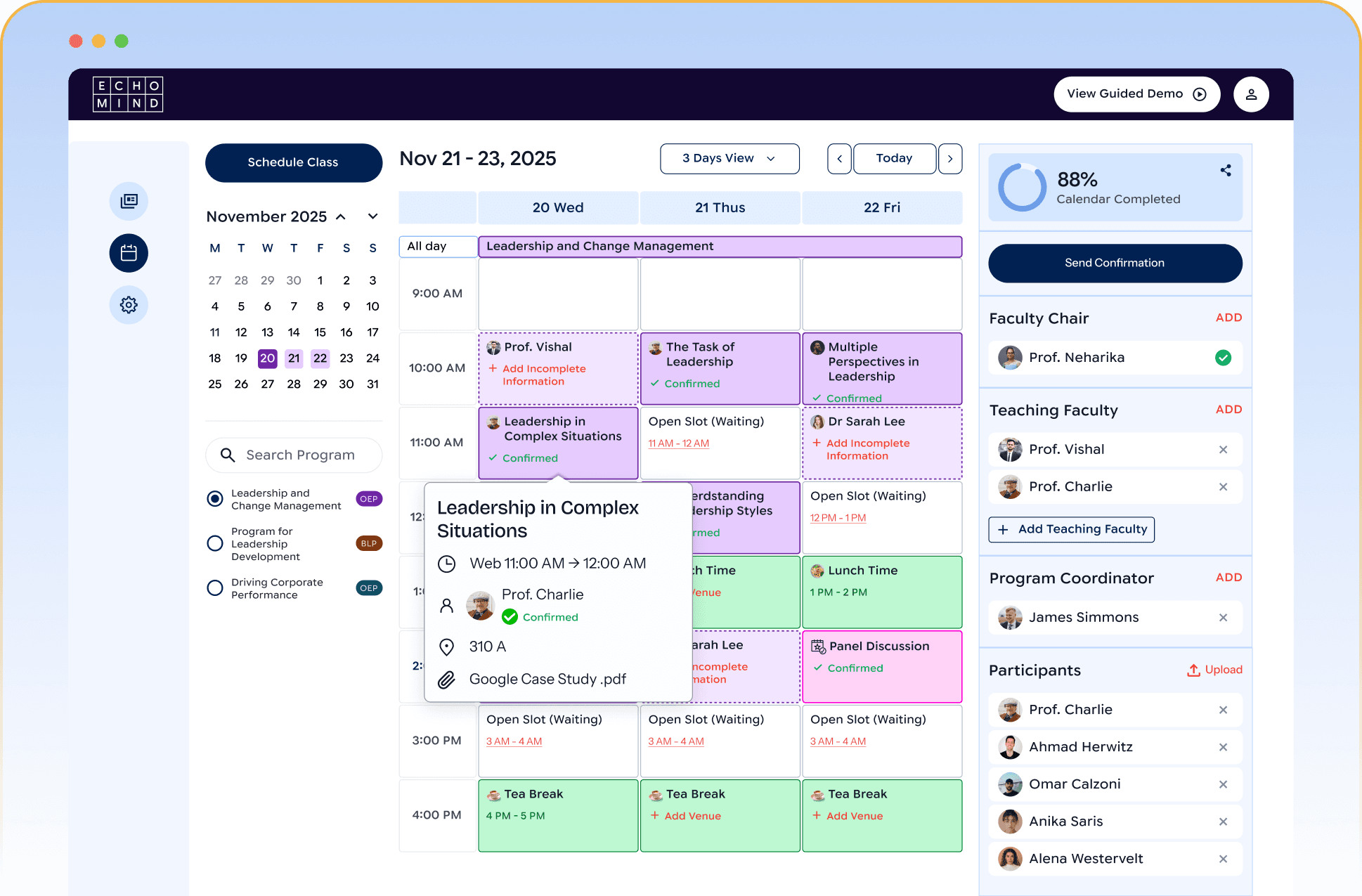
Plan, organise and collaborate with a unified dashboard. Scheduler centralises all your academic planning into one intuitive dashboard, bringing faculty, administrators and participants on the same page. From session planning to resource allocation, get real-time visibility, conflict-free calendars, and seamless coordination that saves time and reduces hassle.
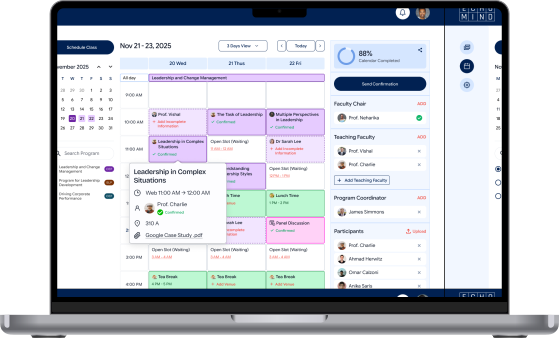
Manual scheduling leads to confusion, errors, and wasted time. Faculty lose hours in coordination, administrators juggle multiple spreadsheets, and stakeholders face last-minute changes.
Scheduler ensures everything runs smoothly—with clarity, automation, and transparency.
SOLUTION WITH SCHEDULER

Automated scheduling frees up time for teaching and research.

One platform to manage faculty allocation, session planning, and classroom resources.

Reduced errors, clear timelines, and a better participant experience.

Transparent schedules and timely updates ensure clarity, reduce confusion, and enhance the overall learning experience.
Scheduler - What it does for you

Unified Dashboard
Bring all scheduling activities—faculty allocation, session planning, classrooms, and resources—onto one intuitive dashboard. No more jumping between emails, spreadsheets, and tools.

Conflict-Free Scheduling
Say goodbye to double bookings and last-minute clashes. Scheduler automatically detects conflicts in faculty availability, rooms, or sessions, ensuring smooth, error-free planning.

Collaboration Tools
Scheduling is rarely a one-person job. Scheduler enables real-time collaboration among faculty, coordinators, and administrators—making approvals, changes, and updates fast and transparent.

Real-Time Updates
Gain complete visibility into calendars, faculty schedules, and resource allocation. Track what’s planned, what’s pending, and where resources are being used—all in real tim

Transform Your Scheduling Experience Today.
Join numerous institutions simplifying and elevating their educational planning.
Frequently asked questions (FAQs)
For any unanswered questions, reach out to our support team via contact us page or email. We'll respond with-in a day to assist you.